How to use the Dr. Rajeev's Homeopathy Research Hospital apps — for patients and doctors
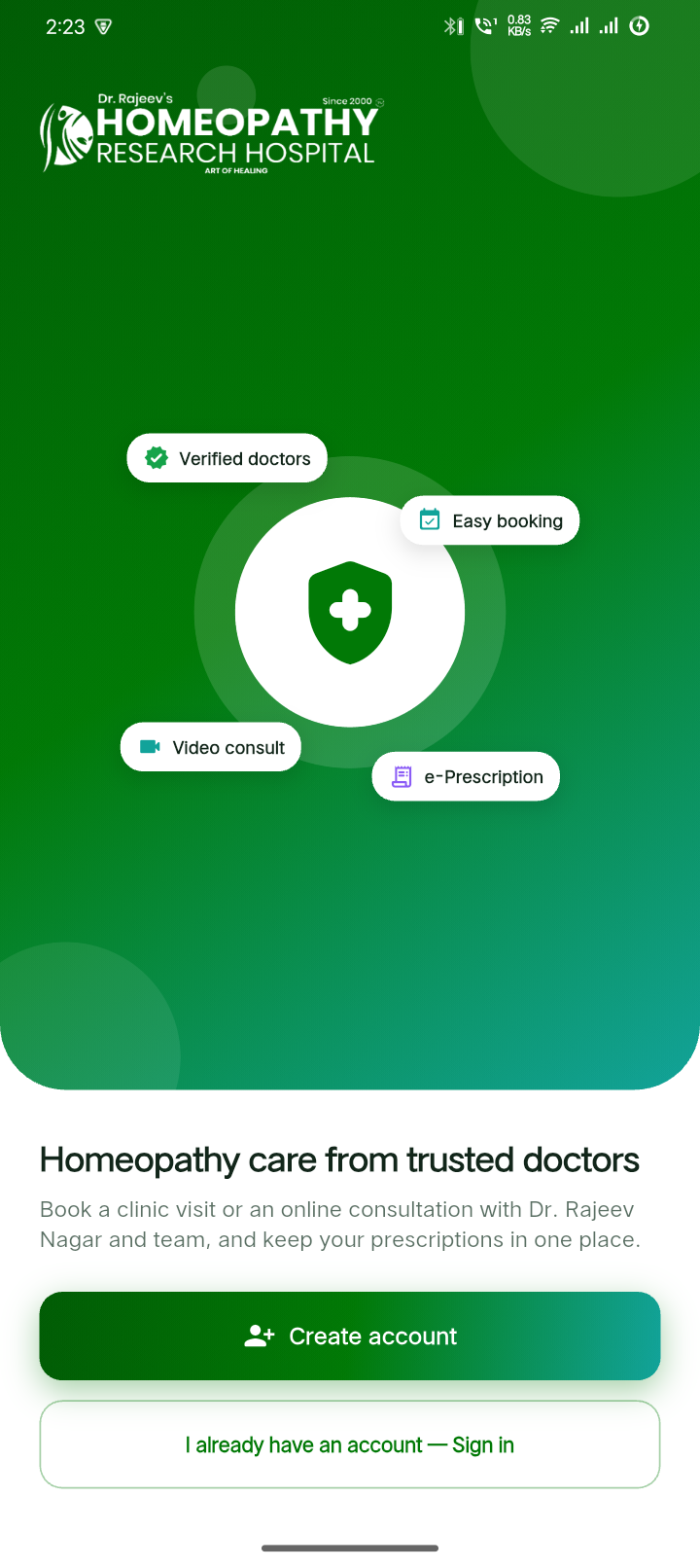
Install "HRH Homeopathy", tap Create account, enter your mobile number and the OTP sent by SMS, then fill in your name and set a password.
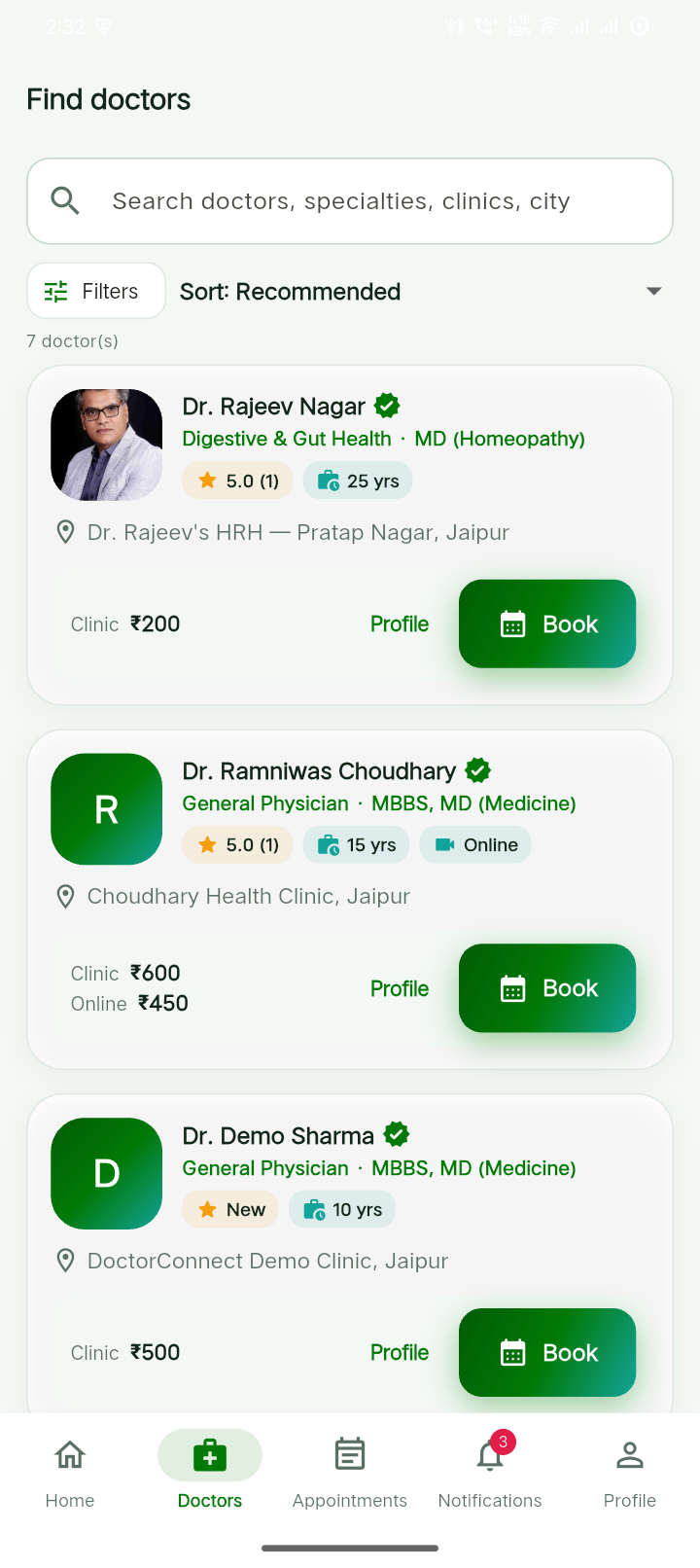
Search by name or concern. Open a doctor to see their experience, clinics, timings and fees.
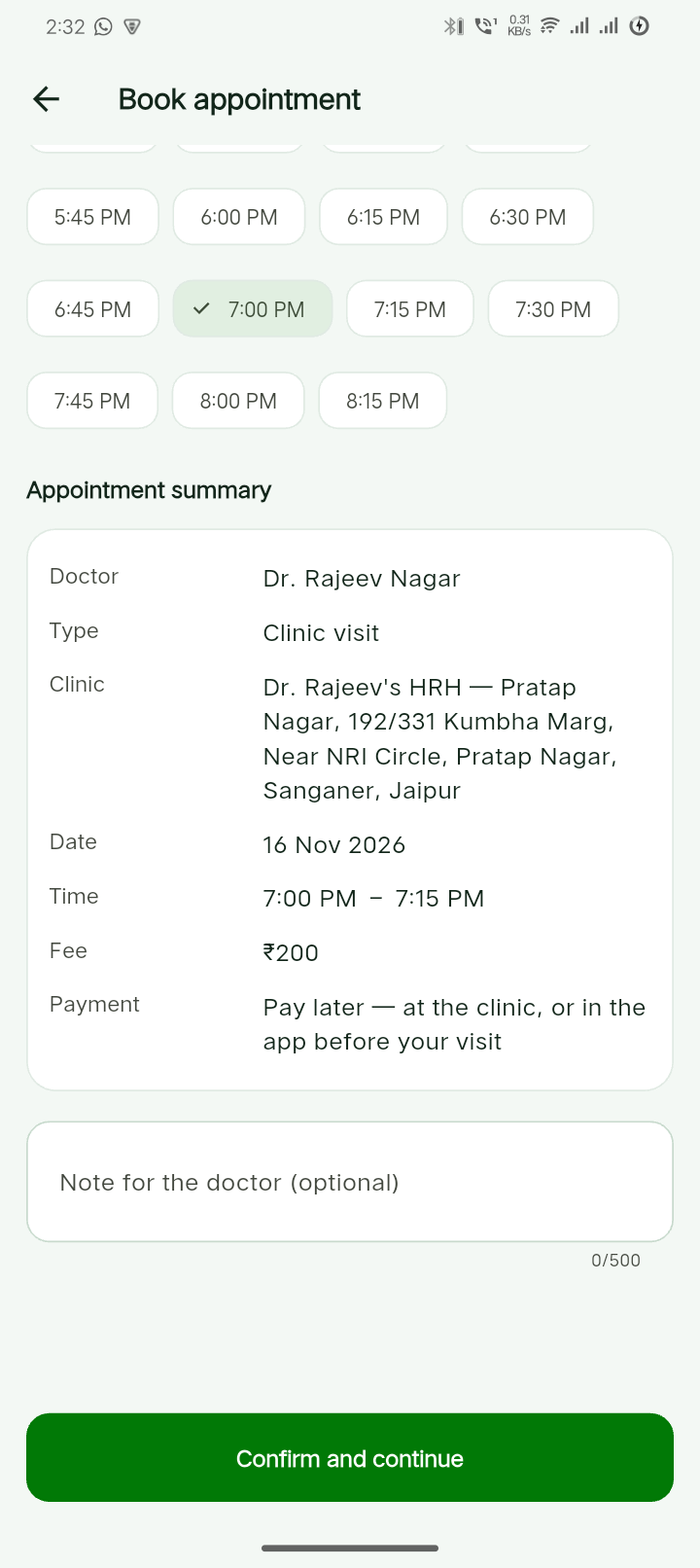
Choose Clinic or Online, pick a date and a free time, check the summary and tap Book.
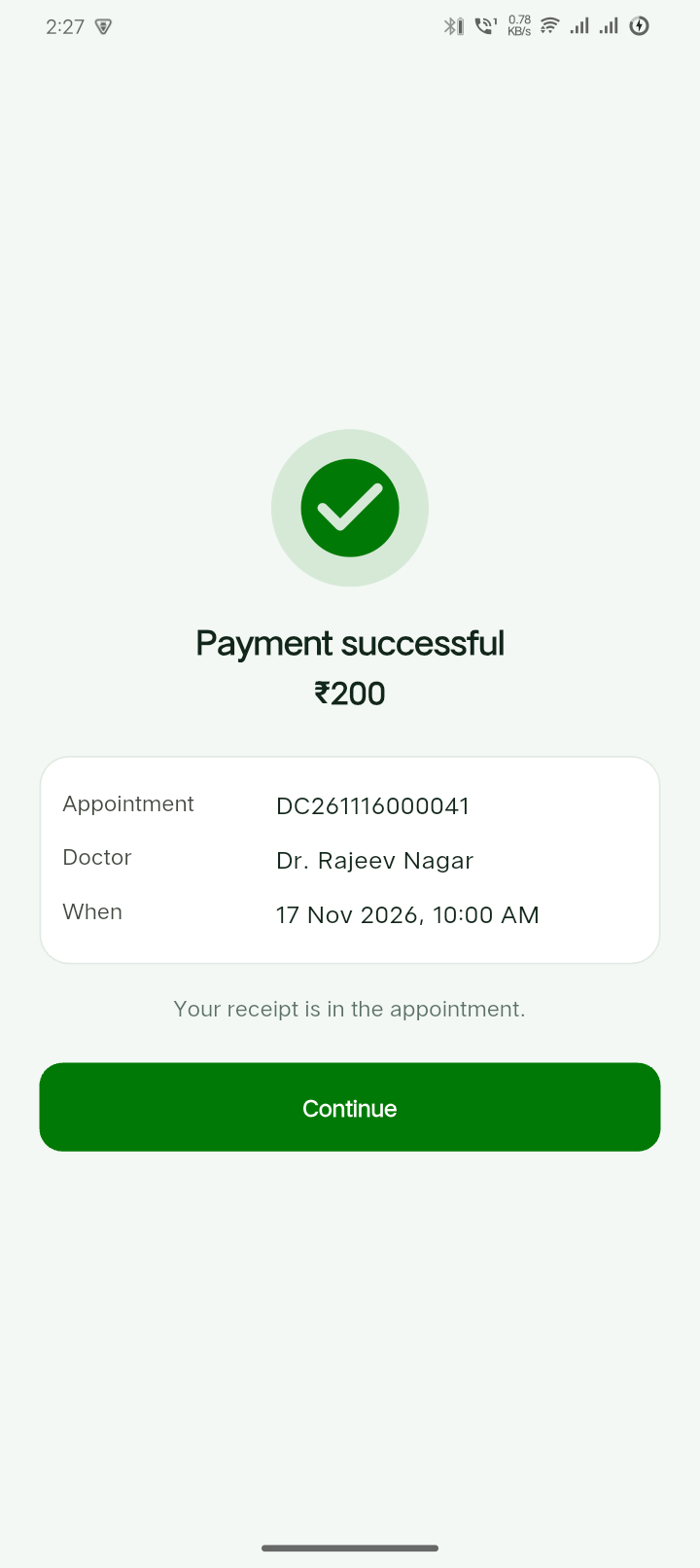
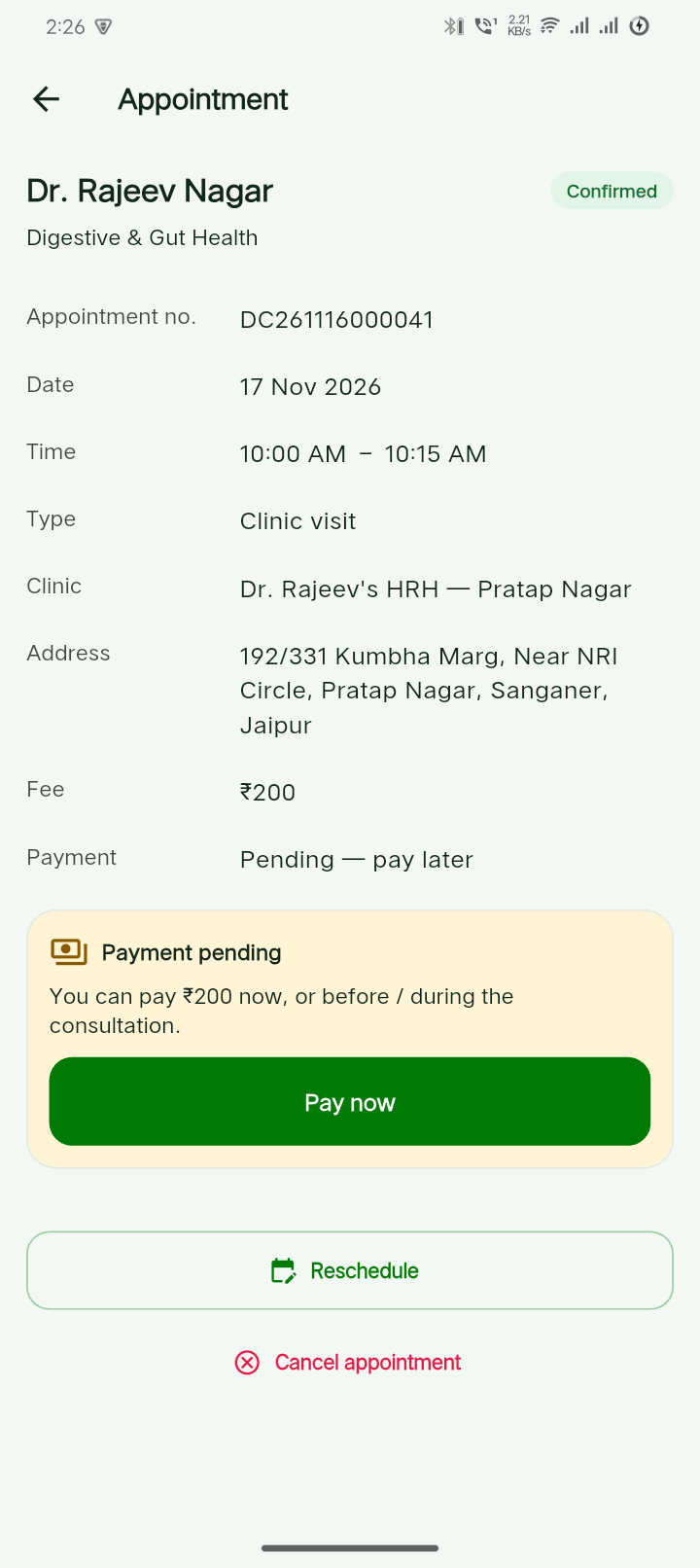
Online consultations are paid while booking (UPI, card or net banking). A clinic visit is booked at once: pay at the clinic, or open the appointment and tap Pay now.
Appointments shows what is coming up and what is done. Open one to see the details, pay, reschedule, cancel or download the receipt.
At the appointment time open the appointment and tap Join consultation. You also get a message 5 minutes before and when the doctor starts.
After the consultation the prescription appears in the appointment and under Prescriptions. You can download it as a PDF.
Install "HRH Doctor", tap Create account, verify your mobile number and fill in your qualification, registration number, speciality, clinic and fees. Set a password.
Upload your documents and submit your profile. Our team checks them; you get a message when you are approved and patients can book you.
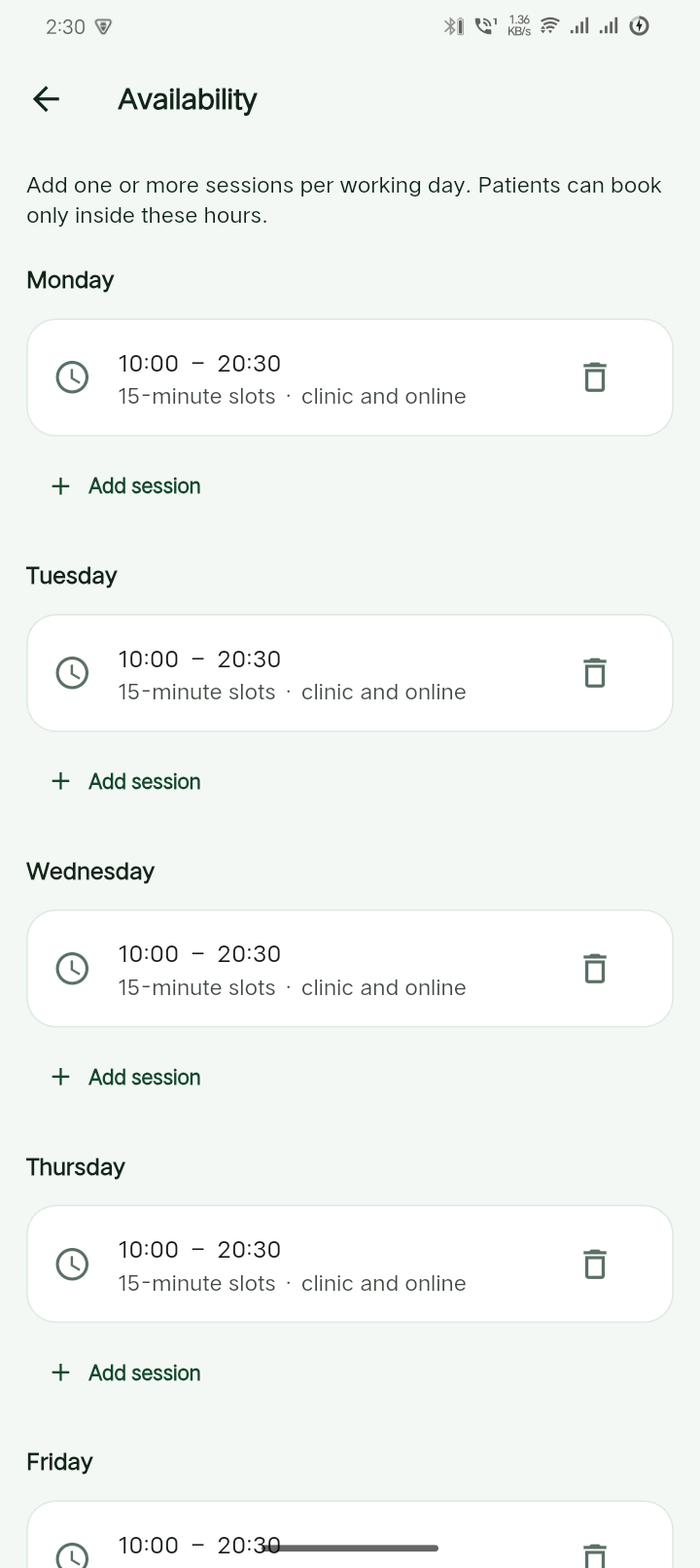
Availability: add the days and hours you see patients, at the clinic and/or online. Patients can only book these times.
Accept or reject new bookings, start and complete clinic visits, reschedule or cancel. For a clinic visit paid at the clinic tap Paid at clinic and choose cash, UPI or card.
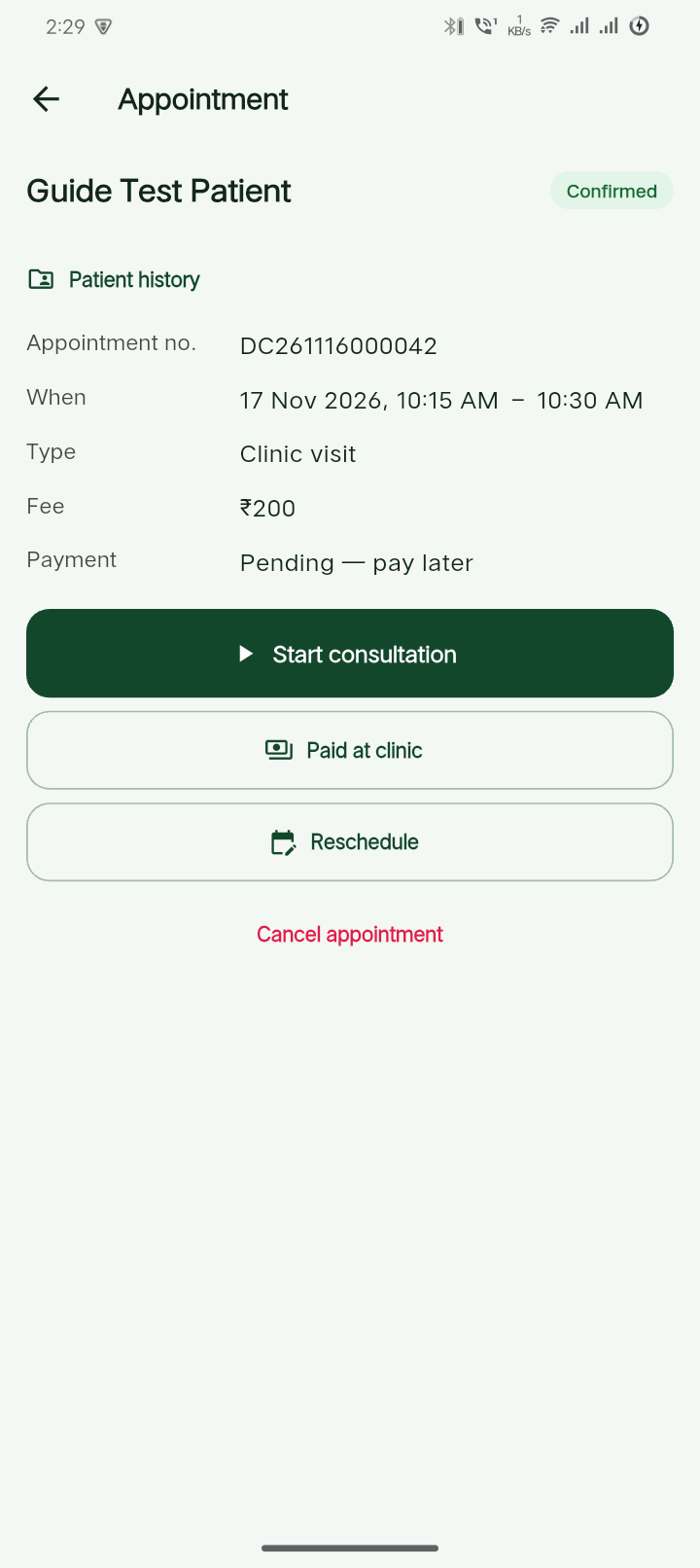
Connect your Zoom account once (Profile → Zoom), or ask the admin to do it. At the appointment time tap Start consultation.
During or after the consultation write notes and issue the prescription; the patient gets it at once.
Call us on +91 8107389305 or write to hrh.rajeev@gmail.com. You can also use the contact form. To close your account, see Delete your account.